You sit down for the big match, the picture is perfect — and there is no sound at all. Or the sound lags, or the volume is barely audible. IPTV sound problems are frustrating, but most have a simple cause: a muted app, the wrong audio output, or one setting buried in a menu.
Quick Answer: Most IPTV sound problems are fixed fast. Check the volume and mute on your TV, your app and your remote. Then restart the app, switch the audio track or output in the settings, and check the HDMI cable. If the sound is out of sync, adjust the audio delay in your player by 100–200 milliseconds.
Why Is There No Sound on My IPTV?
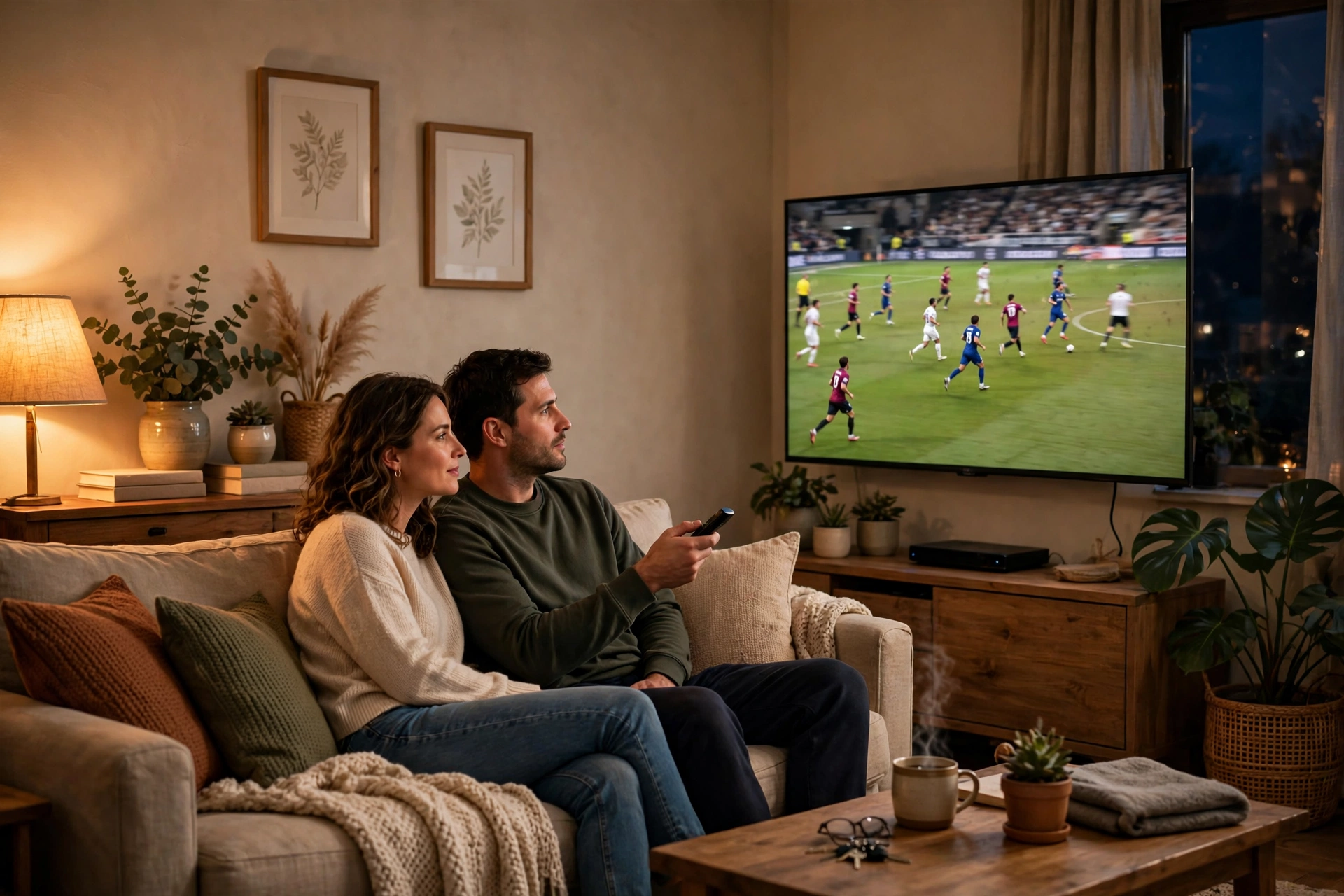
There is no sound on your IPTV because the app is muted, the audio output is set to the wrong device, or the stream uses a format your TV cannot decode. Press volume up on both remotes and check neither is muted. Then try a different channel: if others have sound, the fault is that one stream, so restart the app. If no channel has sound, check the TV audio output — on a Firestick, go to Settings, then Display and Sounds, then Audio. A loose HDMI cable can also kill the sound, so unplug it and plug it back in. See the IPTV article on Wikipedia.
How Do I Fix IPTV Audio Out of Sync?
IPTV audio goes out of sync when the video and audio streams drift apart after buffering. First, pause the stream for a few seconds, then press play — this often re-syncs picture and sound. If the delay stays, open the audio settings in your player. In TiviMate, long-press OK on a channel, open Settings, and look for the audio delay or AV sync option. In IPTV Smarters, adjust the delay in the player controls during playback. Your TV may also have a lip-sync setting — try 100 to 200 milliseconds.
How Do I Fix IPTV Sound Problems on Firestick and Smart TV?
Firestick and Smart TV owners hit IPTV sound problems after an app update changes an audio setting. On a Firestick, open Settings, then Display and Sounds, then Audio, and set Surround Sound to Best Available; if the sound is still wrong, switch it to Stereo. On Samsung and LG smart TVs, open the sound settings, turn off virtual surround mode, and set the digital audio output to PCM — the simplest format. For official help, see Google TV support. If the trouble started after an update, clear the app cache.
What Causes IPTV Sound Problems on Some Channels Only?
When only some channels lose their sound, the cause is almost always the channel stream itself, not your device. Some channels use surround formats such as Dolby Digital or DTS that older TVs and soundbars cannot decode. If a channel is silent while others work, open the audio track menu and switch to a stereo track if one is listed. If no other track exists, switch your TV digital output to PCM. If the same few channels stay silent every day, tell your provider — they can fix the feed.
IPTV Sound Problems With a Soundbar or Home Theatre System
If your soundbar uses HDMI ARC, check that ARC is turned on in your TV settings and that the cable is in the ARC port. Try turning off audio passthrough in your IPTV app so it sends plain stereo instead of a surround format your soundbar cannot read. If the sound cuts out every few seconds, swap the cable for another HDMI cable. Test with the TV speakers alone: if the sound returns, the soundbar is the problem.
Check Your App Audio Settings: TiviMate, Smarters and More
One wrong audio option in your IPTV app can silence everything. In TiviMate, open Settings, then Playback, and check the audio decoder and audio track settings. In IPTV Smarters Pro, open Settings, then Player Settings, and try switching between the built-in player and an external player. If your app has a hardware decoder option, try turning it off — software decoding handles more audio formats. Restart the app after any change.
4K Media TV offers 57,000+ live channels and 185,000+ movies and series, with Premium one-time pricing, a 24-hour free trial, and ordering through WhatsApp.
Ready to watch? If sound trouble made you question your setup, try a service that simply works. Take a look at our Premium IPTV plans — choose the plan that fits your household, order in a few clicks, and enjoy every match and film with clear sound.
IPTV Sound Problems: Frequently Asked Questions
Why does my IPTV have picture but no sound?
This usually means the audio track is muted, the wrong output is selected, or the stream uses a format your TV cannot decode. First check mute and volume, then switch the audio output to PCM.
How do I fix IPTV sound delay on Firestick?
Pause the stream for a few seconds and press play to re-sync it. If the delay stays, adjust the audio delay in your IPTV app, trying 100 to 200 milliseconds.
Why is the sound quiet on some IPTV channels?
Channels are broadcast at different volume levels, and some use surround audio your TV plays quietly. Turn on volume levelling in your TV sound settings, or switch the digital output to PCM.
Can a VPN affect IPTV sound?
A VPN does not change the sound itself, but a slow VPN server can cause buffering, and buffering can push the audio out of sync. If the delay appears only with the VPN on, switch to a faster server.
Stay Safe While Streaming

Streaming also means your viewing habits travel across the internet, and your provider can see and slow down video traffic. Protect yourself with a reliable VPN, which encrypts your connection and stops ISP throttling, and add an ad blocker to keep malicious ads off your device. Good scam protection also blocks fake streaming sites and phishing pages.
Some of the links in this section are affiliate links — we may earn a commission at no extra cost to you.
Related guides
Follow our WhatsApp Channel for daily schedules and offers: https://whatsapp.com/channel/0029VaC7mmmBadmgFUAjJk3M