The following article explains how to stream the 2026 FIFA World Cup without cable on any device.
For the first time in history, the FIFA World Cup is heading to three host countries. The United States, Mexico, and Canada will share the 2026 tournament, with 48 teams playing 104 matches across 16 host cities from June 11 through July 19, 2026.
The U.S. will host games in Atlanta, Boston, Dallas, Houston, Kansas City, Los Angeles, Miami, New York/New Jersey, Philadelphia, Seattle, and the San Francisco Bay Area. Mexico City, Guadalajara, and Monterrey carry the Mexican slate, while Toronto and Vancouver round out the Canadian hosts.
Cord-cutters are in better shape than ever to watch every match without paying for a traditional cable subscription. Between free over-the-air broadcasts, sports streaming apps, free 4K simulcasts on Tubi, and a stack of live TV streaming services, there are several ways to catch the action live.
This guide breaks down every option, from $0 free streams to premium live TV bundles, so you can pick the setup that fits your budget and your devices.
The following list was last updated on Mon, Jun, 15, 2026
Table of Contents [Showstreaming]
2026 FIFA World Cup Schedule & Broadcast Breakdown
FOX Sports holds the English-language rights in the U.S. and will air a record 70 matches on the FOX broadcast network plus 34 on FS1. Telemundo and Universo handle Spanish-language coverage, with Telemundo airing 92 matches free over the air and Universo carrying the remaining 12.
One thing to clear up before you sign up for anything: ESPN and ESPN+ have no live matches this time around. Every game in the U.S. runs through FOX and FS1 in English or Telemundo and Universo in Spanish. If a service doesn’t carry those channels, it won’t get you the World Cup.
- Tournament Dates: June 11 to July 19, 2026
- Opening Match: Mexico vs. South Africa, June 11 (Estadio Azteca, Mexico City)
- USMNT Opener: USA vs. Paraguay, June 12 (SoFi Stadium, Los Angeles)
- Final: July 19, 2026 (MetLife Stadium, East Rutherford, NJ)
- English Coverage: FOX (70 matches), FS1 (34 matches)
- Spanish Coverage: Telemundo (92 matches), Universo (12 matches)
- Free 4K Streams: Tubi (opening ceremony + select matches)
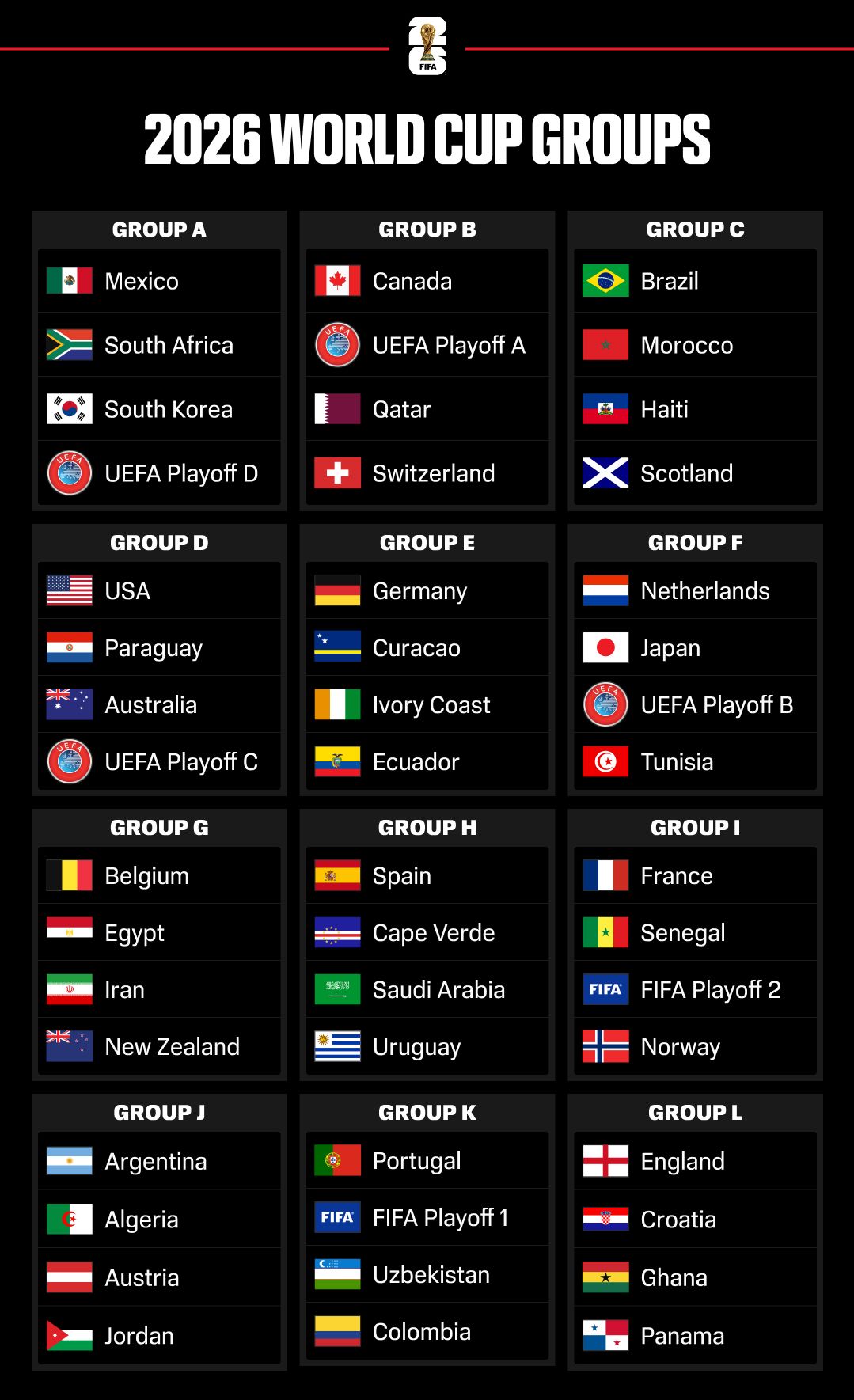
For the full match-by-match schedule, refer to the official FIFA World Cup 2026 site.
USMNT Group D Schedule
The U.S. men’s team drew Group D alongside Paraguay, Australia, and Turkey. All three group games are available free through FOX or Telemundo, so you won’t need a paid subscription to follow the home team out of the gate.
- USA vs. Paraguay: June 12, 9 PM ET (FOX, free on Tubi)
- USA vs. Australia: June 19, 3 PM ET (FOX, FS1)
- USA vs. Turkey: June 25, 10 PM ET (FOX, FS1)
How to Stream FIFA World Cup 2026 Without Cable
Every match below is available through at least one of the services covered in this guide. Some are free, some are paid, and a few of them include free trials. Trial lengths change often, so confirm the current terms on the signup page before you count on one.
A quick word on 4K: among the streaming options, true 4K is really just FOX One and Tubi’s two free matches. Fubo, YouTube TV, and Hulu + Live TV all carry the FOX and FS1 feeds, but in HD rather than full-event 4K.
1. Tubi (Free 4K Simulcasts)
Official Website: Tubi
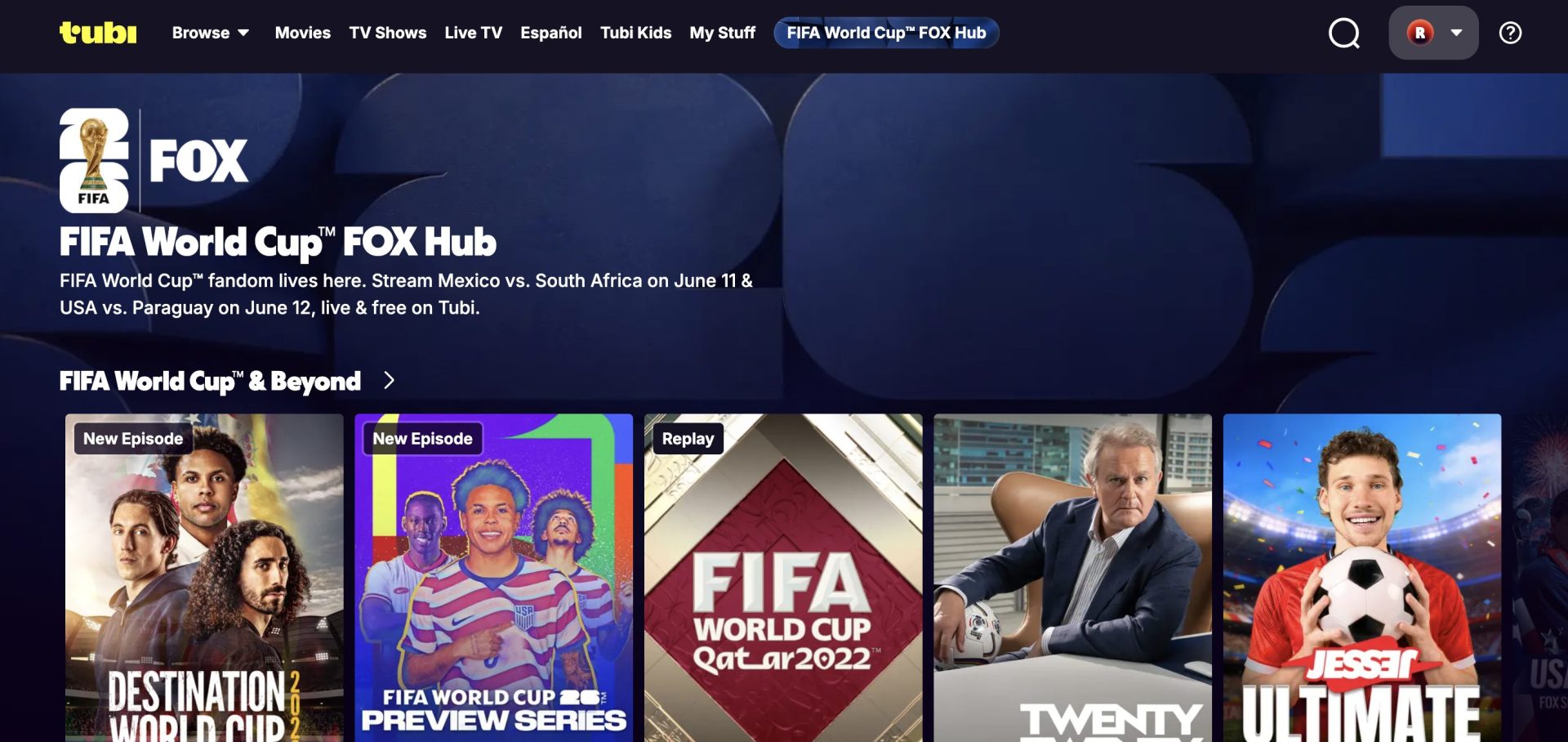
Tubi, the ad-supported streaming service owned by FOX, is simulcasting the opening ceremony and two of the highest-profile group stage matches in 4K for free. That includes Mexico vs. South Africa on June 11 and USMNT vs. Paraguay on June 12.
No subscription, no login, no credit card. Just open Tubi on your Firestick, Roku, smart TV, or phone and tap in. It’s the best free 4K option of the tournament.
Beyond those two live games, Tubi’s dedicated FOX World Cup hub carries free pre-game shows, highlights, and a tournament docuseries all summer long. It’s worth a bookmark even on days the U.S. isn’t playing.
2. FOX One
Official Website: FOX One
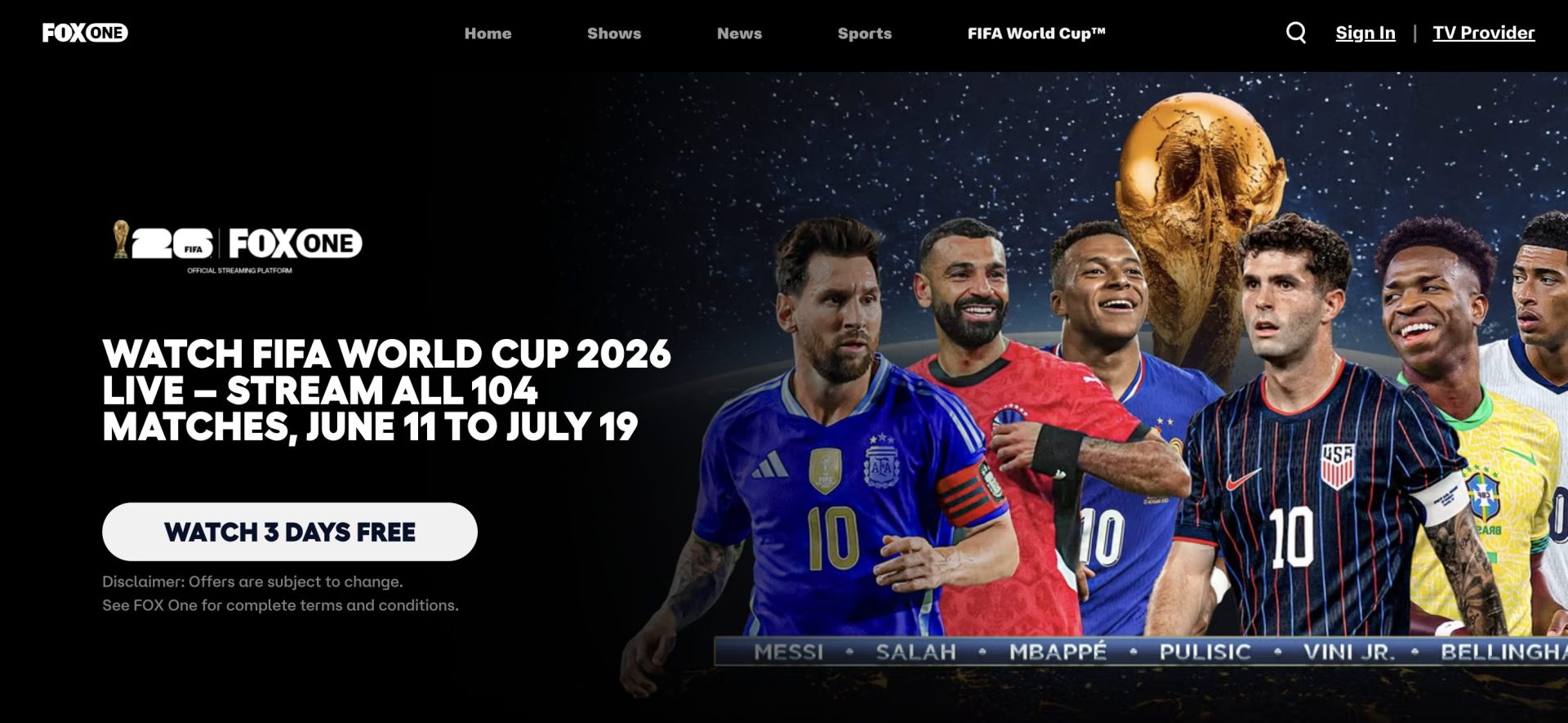
FOX One is FOX’s new standalone streaming service that launched ahead of the World Cup. At $19.99 per month (or $199.99 per year) with a free trial, it carries all 104 matches live in 4K on FOX and FS1, plus a dedicated World Cup viewing experience with multiview and on-demand replays.
For viewers who only want FOX content and don’t need a full cable replacement, FOX One is the cleanest pick. You can stream it through the FOX Sports App on Firestick, Roku, Apple TV, Android TV, and most smart TVs.
3. Fubo
Official Website: Fubo
Fubo carries FOX, FS1, FS2, Telemundo, and Universo on the base Pro plan, so you get the full English and Spanish slate in one subscription. The Pro plan runs $84.99 per month, and a free trial is usually on offer for new accounts.
Fubo is sports-first by design, which means it also ships with multiview, 1080p streams on supported devices, and 4K coverage on select matches. If you only want one service for the entire tournament, Fubo is the most complete pick.
4. YouTube TV
Official Website: YouTube TV
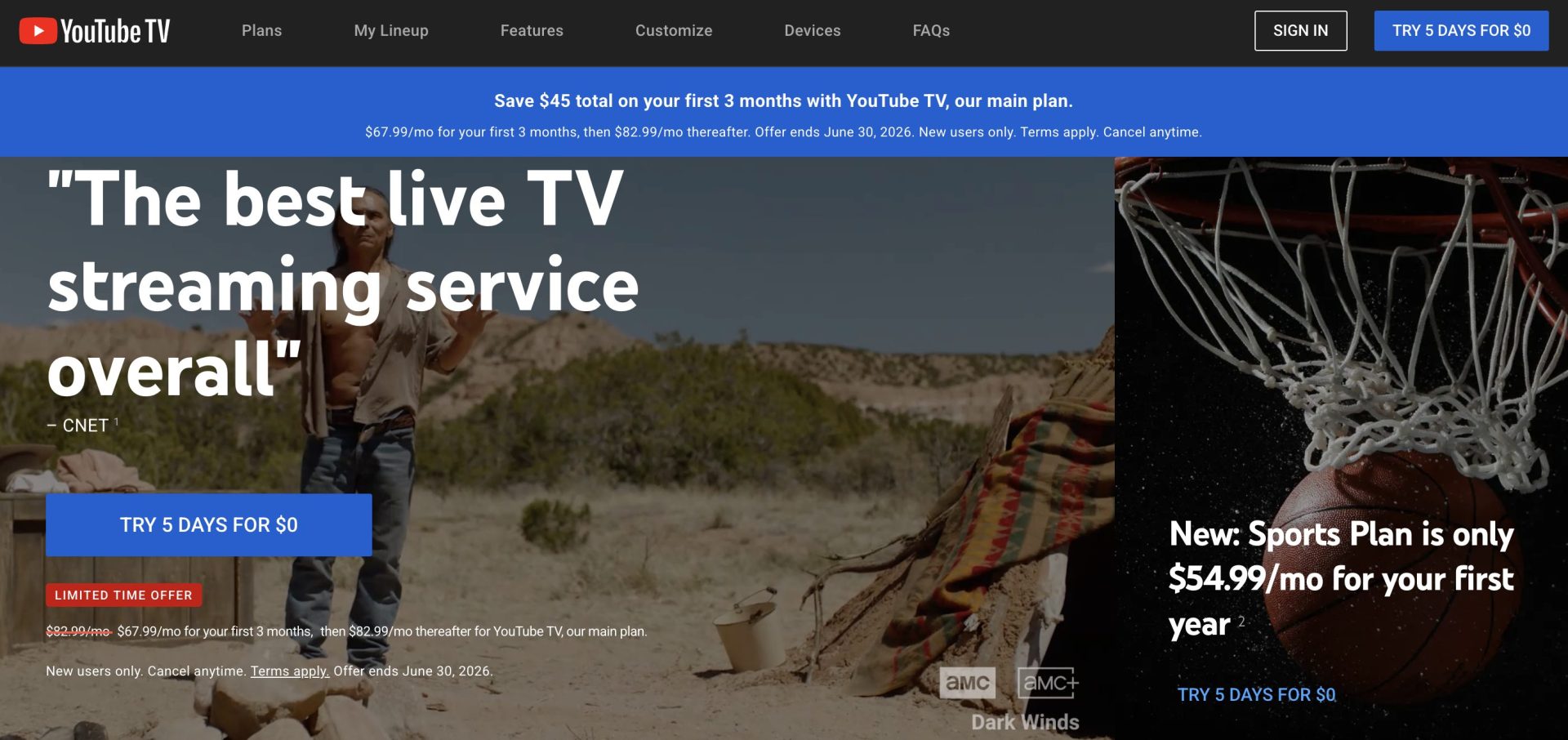
YouTube TV recently split its lineup into genre-based tiers, and the new Sports plan is the one that matters for the World Cup. It runs $64.99 per month and includes FOX, FS1, FS2, ESPN, NBC, and CBS sports networks. New subscribers can grab the first year at $54.99 per month before it bumps to the standard rate.
The Sports plan comes with unlimited DVR and up to three simultaneous streams. Spanish-language fans who want Telemundo and Universo will need to step up to YouTube TV’s full Base plan ($82.99 per month) or pair the Sports plan with Peacock.