Your Android phone can be a pocket TV. With the right player app and a subscription, you can watch live channels, sports and movies anywhere you have internet — on the train, on your lunch break or in bed. This guide shows you how to watch IPTV on Android phone in 2026, from installing the app to fixing the most common problems.
Quick Answer: To watch IPTV on Android phone, install a player app such as TiviMate or IPTV Smarters from the Google Play Store, then add your subscription with an M3U playlist link or Xtream Codes login. The app loads your channels and programme guide in about a minute, and you can start watching live TV right away.
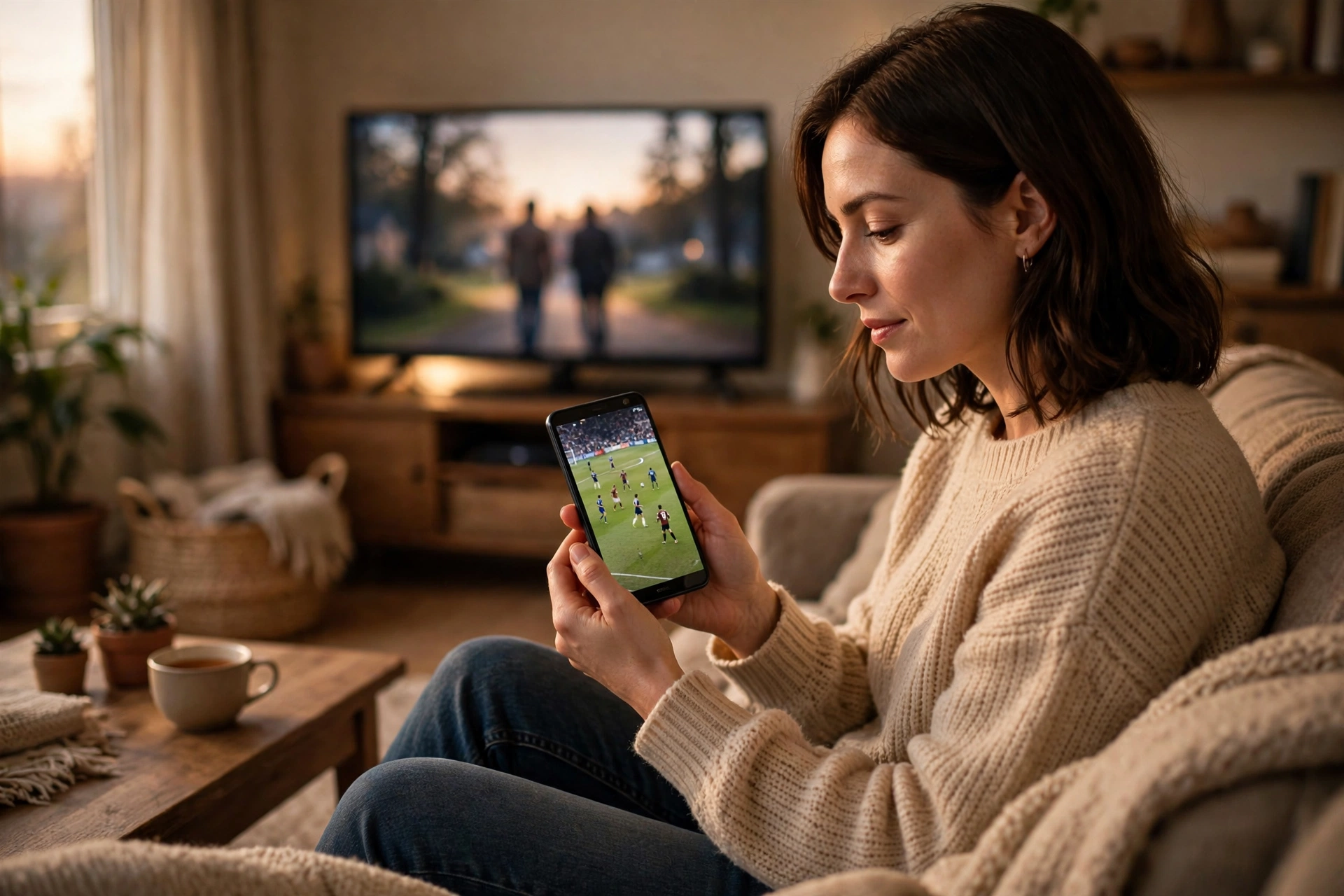
What Do I Need to Watch IPTV on Android Phone?
You need four things. First, an Android phone running Android 8 or newer — almost every phone sold in the last six years qualifies. Second, a player app from the Google Play Store. Third, an active IPTV subscription, which gives you a playlist link or an Xtream Codes login. Fourth, a stable internet connection: at least 10 Mbps for HD and 25 Mbps for 4K. Wi-Fi is best for long sessions, but a 4G or 5G connection works well too. A pair of earphones helps in public, and a phone stand makes long matches much more comfortable.
How Do I Set Up IPTV on Android Phone?
Setting up IPTV on Android phone takes about five minutes. First, open the Google Play Store and install a player app — IPTV Smarters Pro is the easiest for beginners, while TiviMate has the best TV-style interface. Next, open the app and choose how to add your subscription: pick the Xtream Codes option and enter the server address, username and password your provider sent you, or pick the playlist option and paste your M3U link. Then give the playlist a name and press Add or Save. Wait a minute while the app loads your channels and the programme guide. Finally, tap a channel to start watching. If the guide looks empty, pull down to refresh or check that your provider sent you a separate EPG link.
Which IPTV App Is Best for Android Phone?
The best app depends on how you watch. IPTV Smarters Pro is the simplest choice: it supports both playlist and Xtream Codes logins, it is free, and its menus work well on a small touch screen. TiviMate is the favourite of heavy viewers — its channel list, programme guide and recording features feel like a real TV box, though the full version is paid. VLC is a solid free backup: it plays any playlist link, but it has no proper TV guide. Whichever app you choose, install it only from the Google Play Store. Apps downloaded from random websites can hide malware, and they rarely update. For background on the technology, see the IPTV article on Wikipedia.
4K Media TV offers 57,000+ live channels and 185,000+ movies and series, with Premium one-time pricing, a 24-hour free trial, and ordering through WhatsApp.
Ready to watch? If you do not have a subscription yet, take a look at our Premium IPTV plans — choose the plan that fits your household and order in a few clicks, and your login details arrive quickly.
Can I Watch IPTV on Android Phone in 4K?
Yes, if your phone and your connection allow it. Many newer Android phones have Full HD or Quad HD screens, so HD streams look sharp, and some flagship phones can play 4K streams. You still need at least 25 Mbps for smooth 4K and a plan that includes 4K channels. On a small phone screen, the difference between HD and 4K is hard to notice — most people watch in HD on the phone and save 4K for the TV. To enjoy the full quality on a big screen, cast your phone to your TV or use the same subscription on your television. See our guide to IPTV in 4K for the full picture on 4K plans and setup.
Why Is IPTV Buffering on My Android Phone?
Buffering on a phone usually comes from the connection, not the app. On mobile data, your speed changes as you move, so switch to Wi-Fi when you can. If you must use mobile data, lower the stream quality in the app settings — a stable HD stream beats a 4K stream that stops every few seconds. Close other apps that use data in the background, such as cloud backups and video apps. If the problem happens on Wi-Fi too, restart your router and move closer to it, or test the same channel on another device to see if the problem is your phone or your provider. Android phones run the same apps as Android TV, so the Android system itself is rarely the cause.
IPTV on Android Phone: Frequently Asked Questions
Is it legal to watch IPTV on Android phone?
Watching IPTV is legal when the service itself is legitimate. The app is only a player — what matters is the provider behind the channels, so use a service you trust.
Can I watch IPTV on Android phone without an app?
Some providers offer a web player you can open in Chrome, but the experience is worse: no proper guide, no favourites and no casting. A player app is worth the one-minute install.
How much data does IPTV use on my phone?
About 1 GB per hour in HD and around 3 GB per hour in Full HD, so a two-hour match can use 2–6 GB. Use Wi-Fi for long sessions, or lower the quality when you are on mobile data.
Can I cast IPTV from my Android phone to my TV?
Yes. Most player apps support Chromecast, and you can also mirror your screen to a Chromecast or a compatible Smart TV. See our guide to use IPTV on multiple devices for the setup.
Stay Safe While Streaming
Phones connect to public Wi-Fi in cafes, hotels and airports, where your traffic is easy to watch. Many viewers protect their phone with a reliable VPN, which encrypts your connection and can also stop your mobile provider from slowing video streams. Only install player apps from the official Play Store, and run a good antivirus on your phone — a fake IPTV app from outside the store is a common way malware gets in. Free players often show ads, so an ad blocker can make the experience cleaner too.
Some of the links in this section are affiliate links — we may earn a commission at no extra cost to you.
Related guides
- How to watch IPTV on iPhone and iPad
- How to use IPTV on multiple devices
- watch Champions League in USA without cable
Follow our WhatsApp Channel for daily schedules and offers: https://whatsapp.com/channel/0029VaC7mmmBadmgFUAjJk3M