Every year, more households ask the same question: should we keep paying for cable, or switch to IPTV? Cable TV is the familiar choice, with a set-top box and a monthly bill. IPTV delivers the same live channels over your internet connection, usually with more channels and a lower price. This honest guide compares IPTV vs cable TV in 2026 — channels, price, picture quality and flexibility — so you can decide which one fits your home.
Quick Answer: IPTV vs cable TV comes down to price and choice. IPTV usually costs less, offers far more channels — including international and sports channels cable does not carry — and works on any device, from a TV to a phone. Cable wins on simplicity: one box, one remote and no setup. For most homes in 2026, IPTV offers better value.
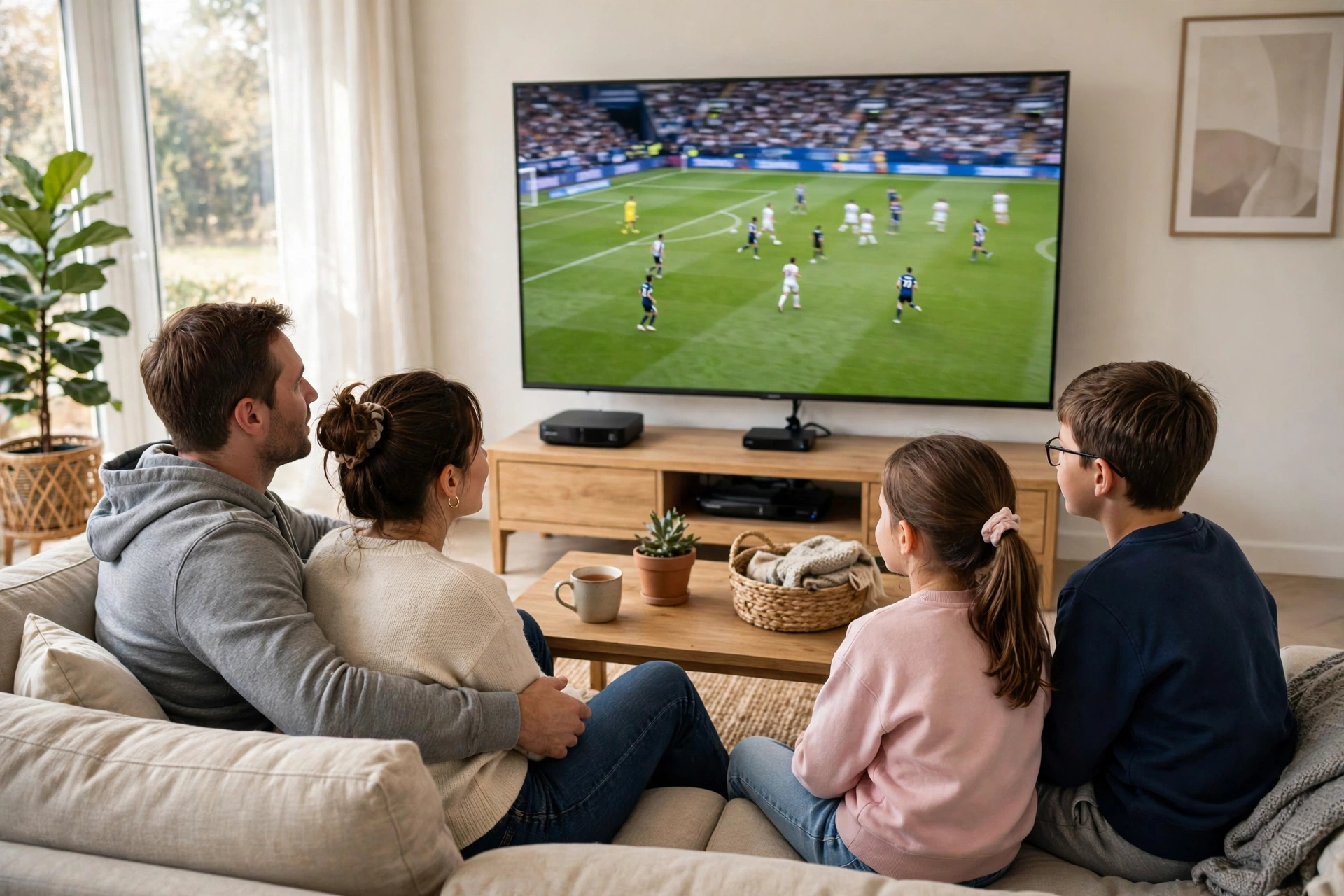
What Is IPTV and How Does It Differ From Cable?
IPTV stands for Internet Protocol Television: live channels and on-demand shows delivered through your internet connection instead of a coaxial cable. Cable TV sends every channel down a physical cable to a set-top box in your home, and you watch only what your package includes. IPTV works more like streaming: you open a player app on a Firestick, smart TV or phone, log in with your subscription, and pick from thousands of channels. That difference explains almost everything else — the price, the number of channels and the devices you can use. For background, see the IPTV article on Wikipedia and the cable television article on Wikipedia.
Is IPTV Cheaper Than Cable TV?
Yes, IPTV is usually much cheaper than cable TV. A typical cable package in the United States costs 60 to 100 dollars a month before equipment rental and fees, and the price often rises after the first year. A Premium IPTV subscription usually costs a fraction of that for a similar period, with far more channels included. IPTV also avoids the extra charges cable adds: no box rental, no installation visit and no regional sports fee. The trade-off is that you need a decent internet connection and a device to run the player app, which most homes already have.
IPTV vs Cable TV: Channels and Picture Quality Compared
Here is how the two options compare on the things that matter most:
Channels: cable offers a few hundred channels, mostly local and national. IPTV services often list tens of thousands, including international channels, premium sports and movie channels that cable sells only as expensive add-ons.
Picture quality: both offer HD, and both now offer 4K on selected channels. IPTV in 4K needs a steady 25 Mbps connection, while cable delivers 4K through its own network with no internet speed to worry about.
On-demand: cable on-demand libraries are limited to what your provider licenses. IPTV usually includes a large library of films and series you can start any time.
Devices: cable works on the TVs connected to its boxes. IPTV works on a Firestick, smart TV, phone, tablet and laptop, so you can watch in any room — or away from home.
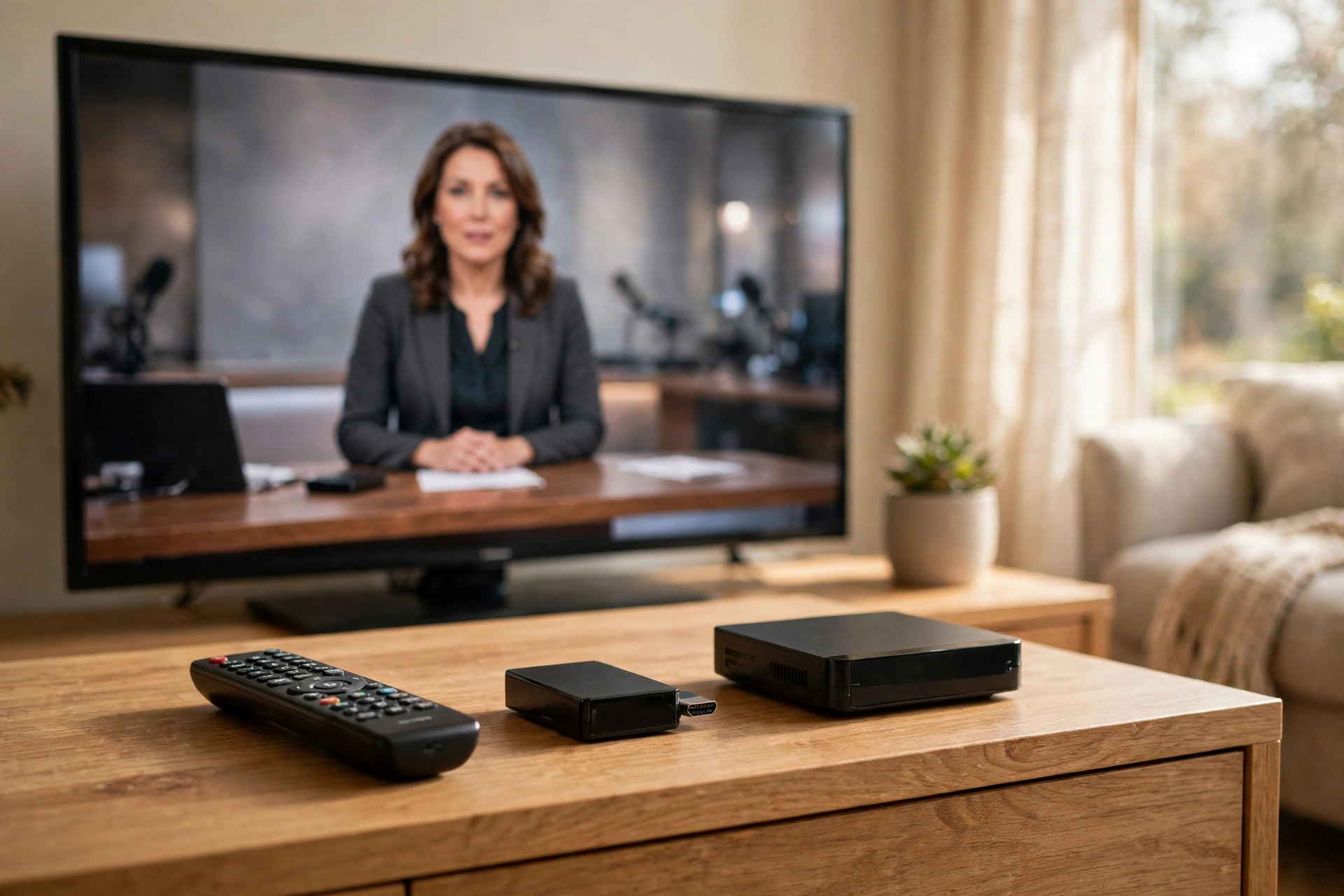
4K Media TV offers 57,000+ live channels and 185,000+ movies and series, with Premium one-time pricing, a 24-hour free trial, and ordering through WhatsApp.
Ready to compare for yourself? If you want to see what IPTV looks like in practice, take a look at our Premium IPTV plans — choose the plan that fits your household, try the 24-hour free trial, and judge the channels and picture quality on your own TV before you decide.
Can IPTV Match Cable for Live Sports?
For most sports fans, yes. IPTV carries the same big leagues cable does — football, basketball, baseball and pay-per-view events — and it often adds international leagues and channels that cable packages do not include. The key is a stable connection: live sport in 4K needs at least 25 Mbps, and a wired Ethernet cable gives the smoothest stream during a big match. Cable still has one edge: its picture never depends on your home internet, so a busy evening never causes buffering. If your internet is fast and stable, though, IPTV gives you more sport for less money, and you can watch it on any screen. For the sharpest match-day picture, see our guide to 4K IPTV streaming.
IPTV vs Cable TV: Which Should You Choose?
Choose cable TV if you want the simplest setup, one remote, and a picture that never depends on your internet. Choose IPTV if you want more channels, international and sports coverage, a lower bill, and the freedom to watch on any device. Many homes now keep a fast internet connection and switch to IPTV as their main TV service, using the money they save for a better broadband plan. If you are unsure, try IPTV for a month with a free trial first — you can keep your cable while you compare, then cancel the one you like less.
IPTV vs Cable TV: Frequently Asked Questions
Is IPTV legal compared to cable TV?
Watching IPTV through a licensed provider is legal. Always use a reputable subscription and avoid services that promise thousands of premium channels for almost nothing.
Do I need fast internet for IPTV?
Yes. You need at least 10 Mbps for HD and 25 Mbps for 4K. A wired Ethernet connection is more stable than Wi-Fi for live TV.
Can I watch IPTV on more than one TV?
Yes. Most IPTV plans support several devices at once, so different people in the house can watch different channels on different screens.
Will IPTV work during an internet outage?
No. IPTV needs an internet connection, so it stops when your broadband goes down. Cable TV keeps working during an internet outage, because it uses a separate cable signal.
Related guides
Follow our WhatsApp Channel for daily schedules and offers: https://whatsapp.com/channel/0029VaC7mmmBadmgFUAjJk3M