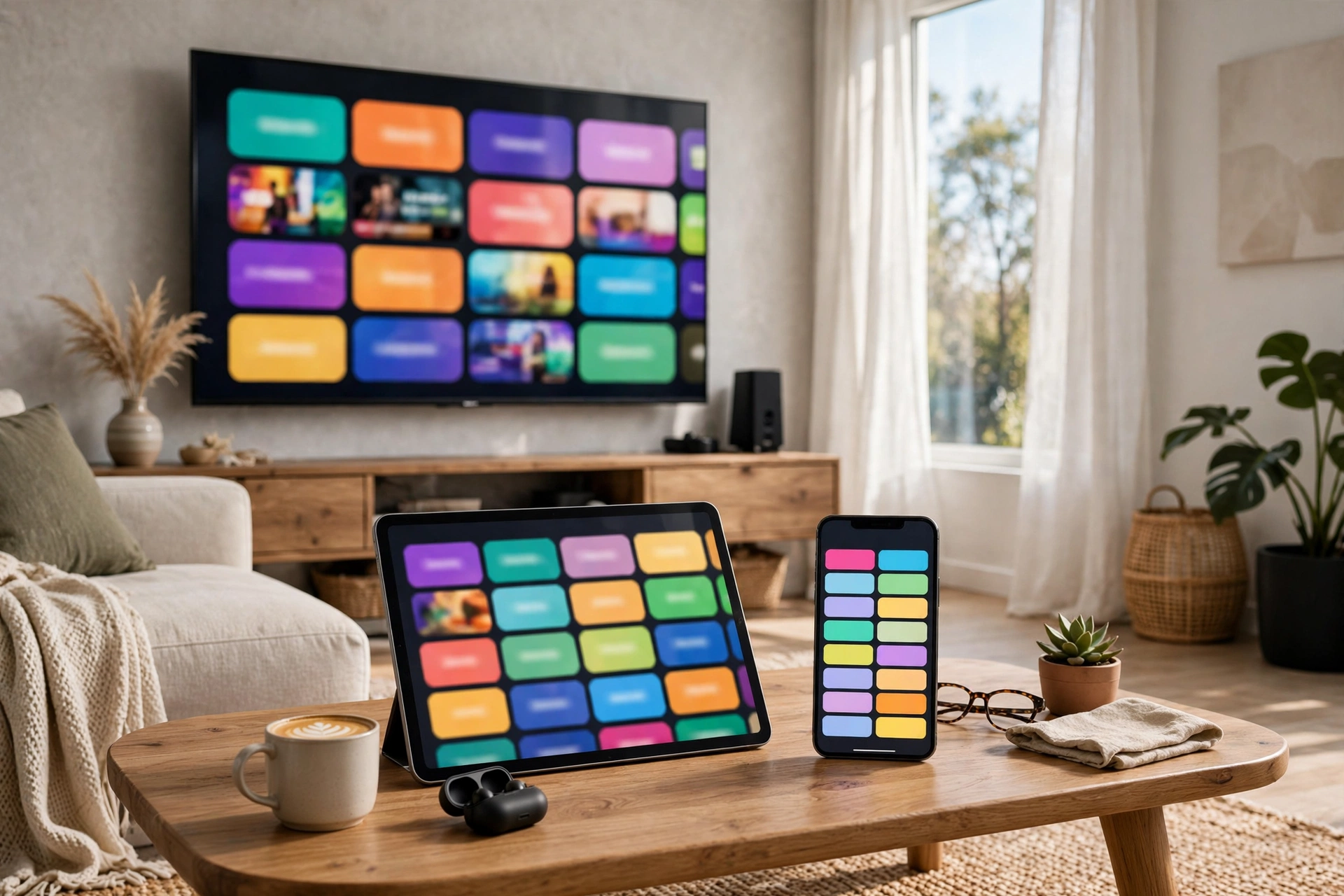
TiviMate vs IPTV Smarters is the question every new IPTV user asks, because these are the two most popular player apps on Firestick and Android TV. Both play the same subscription, both show your channels and TV guide, and both are easy to install — so which one should you choose? This comparison looks at the interface, the TV guide, the price, and performance, so you can pick the player that fits the way you watch TV.
TiviMate vs IPTV Smarters at a Glance
Here is the short version before the detail:
- TiviMate. A premium-feeling player built for Android TV and Firestick, with a clean TV-style guide, favorites, catch-up, and recording in the paid version. It is not in the Amazon Appstore, so you install it with Downloader.
- IPTV Smarters Pro. A simple, friendly player available on almost every device, including Firestick, Android TV, Samsung and LG smart TVs, and Apple TV. It is in the Amazon Appstore, so installing it takes one minute.
- The channels are the same. Neither player sells channels. Both play the subscription you already have, so the channel list and picture quality do not change when you switch players.
- The difference is the experience. TiviMate feels like a modern TV box; IPTV Smarters feels like a simple app. Which one you prefer depends on how much control you want over the guide and layout.
Interface: Which Player Feels Better?
TiviMate wins on design. Its interface looks like a modern TV service: a full-screen guide with channel logos and a preview of the channel you are browsing. Switching channels is fast, and the layout is made for a remote — big text and clear groups.
IPTV Smarters Pro looks simpler and a little older, but that is also its strength. The home screen shows big tiles for Live TV, Movies, Series, and the TV guide. If you want the cleanest daily experience, choose TiviMate. If you want the simplest possible start, choose IPTV Smarters Pro.
TV Guide (EPG), Catch-Up, and Recording
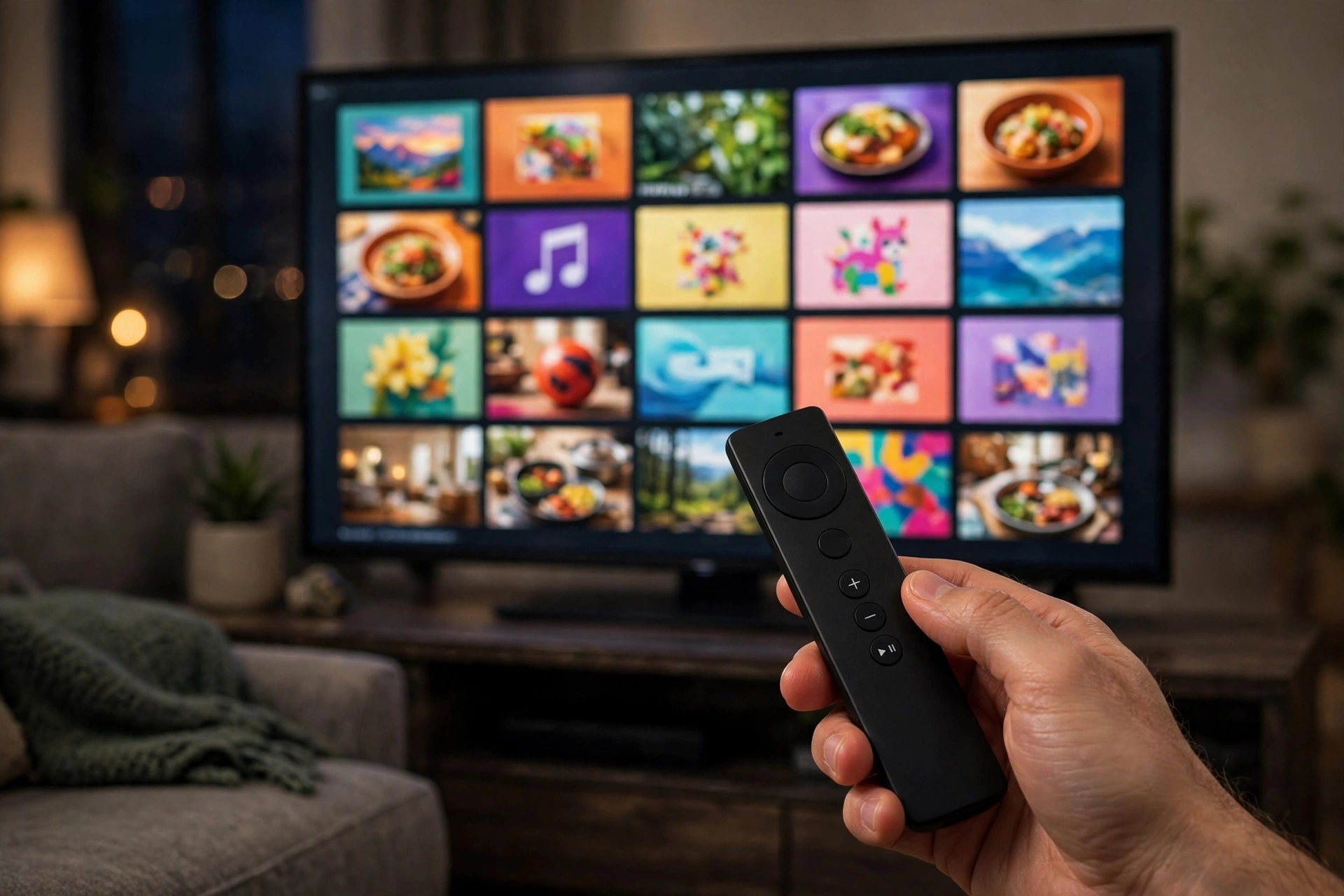
The TV guide is where TiviMate pulls ahead. Its guide loads quickly, shows program names and times for hours ahead, and lets you jump to any channel without leaving the guide. You can mark favorites, hide channel groups you never watch, and set reminders. The paid version adds catch-up TV and recording, so you can replay or save a match to watch later.
IPTV Smarters Pro also has a TV guide, favorites, and catch-up support, and for most users it is perfectly good. The guide is a little slower with very large channel lists, and recording is less polished than TiviMate’s. If the guide matters most to you, TiviMate is the better pick.
TiviMate vs IPTV Smarters: Price Compared
Both players are free to start, and both charge for the full version — but in different ways.
- TiviMate. The free version covers one playlist and the basic guide. The Premium version unlocks multiple playlists, catch-up, recording, and extra customization, for a small yearly fee.
- IPTV Smarters Pro. The main app is free, with most features included. Some versions and some device stores offer a paid version, but most users never need to pay anything.
On price alone, IPTV Smarters Pro wins — it costs nothing for most users. TiviMate Premium costs a little per year, but the price is low for what it adds: if you watch IPTV every day, the yearly cost is less than a single month of most subscriptions.
Performance on Firestick and Android TV
In this TiviMate vs IPTV Smarters performance comparison, both players run well on a Firestick 4K and on modern Android TVs. TiviMate is slightly lighter and faster with very large channel lists — it handles thousands of channels without slowing down, and channel switching feels instant. On older or cheaper devices, that lightness is noticeable.
IPTV Smarters Pro runs well too, but it can feel slower when the channel list is huge, and it uses a little more memory. Whichever player you choose, keep your device tidy: clear the app cache regularly and uninstall apps you no longer use, because a full device makes every player slow.
Ready to watch without limits? Once you have picked a player, the subscription is what matters: take a look at our Premium IPTV plans — thousands of live channels and movies on demand, on all your devices. See the plans and order here: https://stream4kmedia.com/#price
TiviMate vs IPTV Smarters: Which Should You Choose?
The honest answer in our TiviMate vs IPTV Smarters comparison depends on your device and your habits:
- Choose TiviMate if you use a Firestick or Android TV, you watch IPTV every day, you want the best TV guide, catch-up, and recording, and you are happy to pay a small yearly fee.
- Choose IPTV Smarters Pro if you use a Samsung or LG smart TV or an Apple TV, you want the simplest setup, you like the big-tile home screen, or you do not want to pay for a player.
- Try both. Both are free to install and play the same subscription. Use each one for a few days and keep the one you reach for without thinking.
One last note in this TiviMate vs IPTV Smarters comparison: the player matters less than the service behind it. A great player cannot fix a weak subscription, and a good subscription works well in either player. Spend your energy testing the subscription itself — the player is the easy part.
Common Problems With Both Players
Most problems are the same in both apps, because they usually come from the subscription or the connection, not the player:
- Login fails. Re-enter the details carefully. One wrong character in the server address, username, or password blocks the login in both players.
- The guide is empty. The EPG link was not added or has not loaded yet. Check the app’s EPG settings and add the guide link your provider gave you.
- Channels load but will not play. Check that your subscription is still active, then restart the device and the player.
- Buffering on every channel. Restart the device and the router, and check your speed on the same Wi-Fi network. Smooth HD needs around 10 Mbps, and 4K around 25 Mbps.
FAQ
Is TiviMate better than IPTV Smarters?
For daily use on Firestick and Android TV, yes — TiviMate has the better guide, catch-up, and recording. IPTV Smarters is better for the simplest setup, or on a Samsung, LG, or Apple TV.
Is TiviMate free?
The basic version is free. The Premium version, with multiple playlists, catch-up, and recording, costs a small yearly fee — check it in the app or on the official TiviMate site: tivimate.tv.
Can I use the same subscription in both players?
Yes. Both players play the same M3U playlist or Xtream Codes login — but a one-device plan may log the first device out when the second connects.
Does IPTV Smarters work on Samsung Smart TV?
Yes. IPTV Smarters Pro is available on Samsung and LG smart TVs — one of its biggest advantages over TiviMate, which only works on Android devices. See the official site for the latest supported devices: iptvsmarters.com.
Related guides
- How to Install TiviMate on Firestick & Android TV
- IPTV Smarters Pro: Features, Setup & Review
- How to Turn On IPTV Subtitles
Follow our WhatsApp Channel for daily schedules and offers: https://whatsapp.com/channel/0029VaC7mmmBadmgFUAjJk3M